AudioToText
Updated by Maxime_48 · 4 weeks ago · Views: 296
AudioToText converts audio into text using transcription.
It is separate from full voice channel recording and can be used when your server needs audio messages or files converted into readable text.
🎙️ What AudioToText does
AudioToText takes supported audio input and generates a transcript.
This can help with:
- Accessibility
- Moderation review
- Meeting notes
- Voice message summaries
- Searchable records
⚙️ Configuration
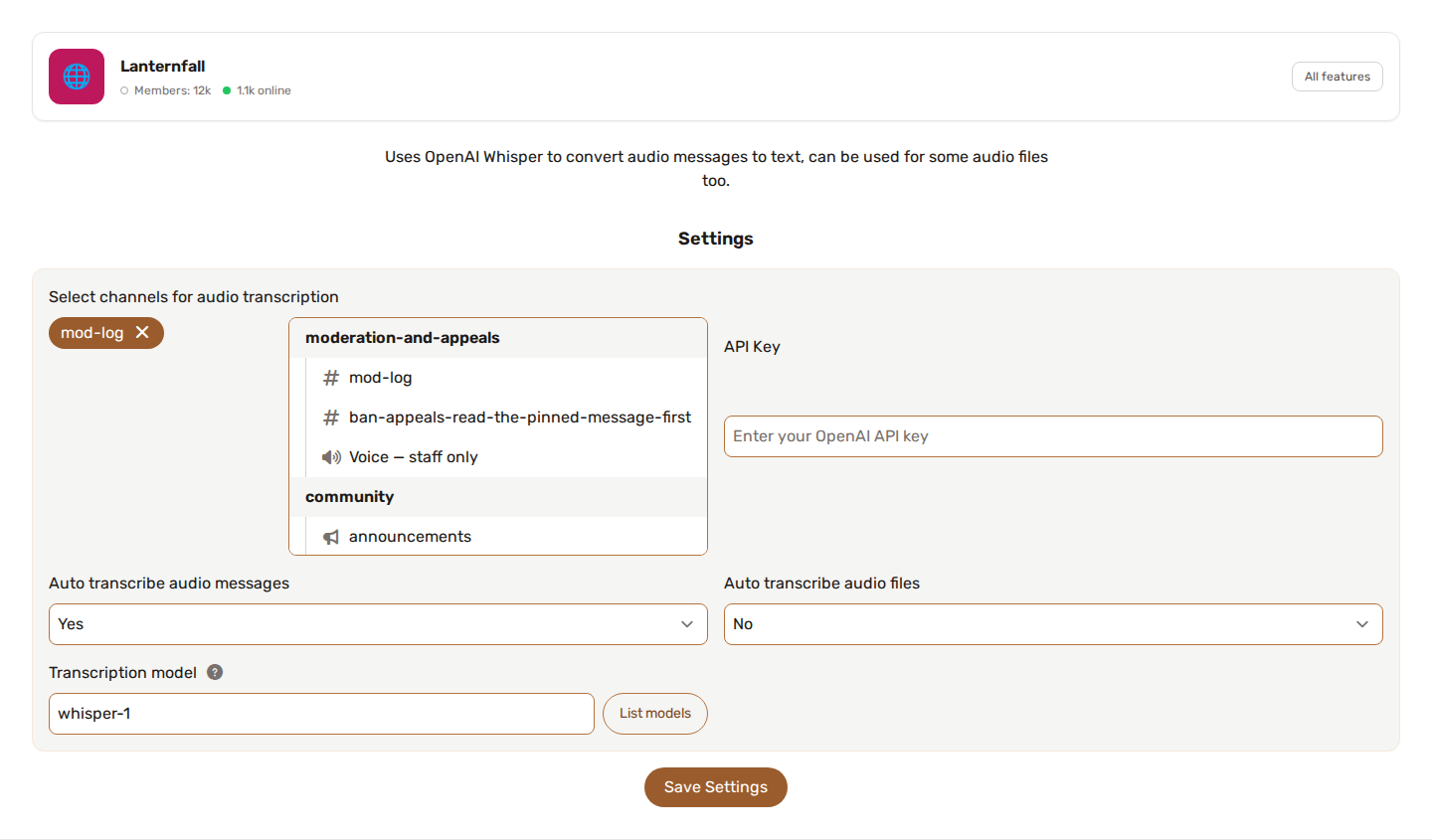
Depending on your server setup, AudioToText may require:
- A channel where audio is processed
- An API key
- A transcription model
- Optional custom transcription endpoint
- Role or channel restrictions
🔌 Custom transcription endpoint
AudioToText can use a custom Whisper-compatible transcription endpoint.
This is useful if you want to use your own provider or self-hosted transcription service.
See Custom AI Model Endpoints for more details.
🧠 Choosing the transcription model
The Transcription model field lists the models your endpoint actually publishes — the panel asks it, rather than showing a list written from memory — and keeps only the ones that can transcribe.
Leave it empty and whisper-1 is used, which is what OpenAI serves. If you point AudioToText at your own server, this is the field that matters: a faster-whisper or distil-whisper instance rarely answers to the name whisper-1, and asking it for a model it does not have is the usual reason a self-hosted endpoint returns nothing.
↔️ Difference from Audio Recording
AudioToText focuses on transcription.
Audio Recording focuses on recording voice channel conversations and can optionally add transcription and summaries.
Use AudioToText when you mainly need audio converted to text. Use Audio Recording when you need to capture a full voice channel session.
💡 Best practices
- Test with short audio first.
- Make sure the file format is supported.
- Use clear audio for better results.
- Avoid using transcription for sensitive private audio unless your server has a clear policy.
- Review transcripts before relying on them for moderation or official notes.